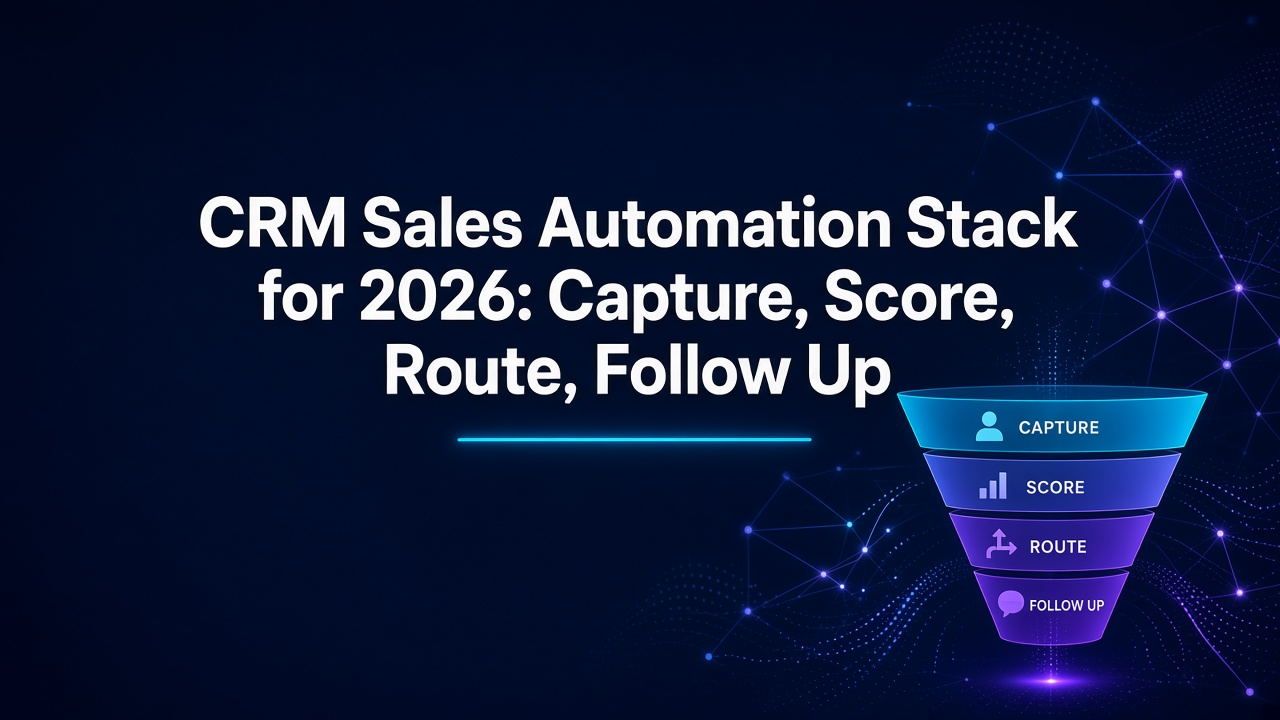
A modern CRM sales automation stack has four stages: capture (ads, forms, inbound), score (AI + firmographics), route (owner, queue, territory), and follow up (tasks, call notes, reply classification). n8n can own all four without replacing your CRM — it sits beside HubSpot, Salesforce, Pipedrive, or Close and keeps humans on the high-value conversations.
Answer first: the minimum viable sales stack
If you only automate four workflows this quarter, automate these:
- Inbound form/ad → enriched CRM lead
- AI fit score + routing rules
- Reply/intent classification from outbound mail
- Call transcript → deal notes + next-step tasks
FlowMind templates map 1:1 onto that list.
Stage 1 — Capture
Live: Lead Capture & AI Lead Scoring → HubSpot
Template:
Capture workflows should dedupe on email, stamp UTMs/campaign IDs, and never create a second lead because someone submitted twice. When you also run Typeform inbound, reuse the enrichment pattern from our Pipedrive router so every channel shares one scoring prompt.
Stage 2 — Score
Scoring works best as a transparent 1–10 with a one-line reason stored on the CRM record. Reps distrust black-box scores they cannot read. Keep the ICP prompt in a plain-text node so marketing can edit criteria without touching Code nodes.
Enrichment (Apollo/Hunter/Clearbit-compatible) should skip free-mail domains to save budget — a pattern already used across FlowMind sales templates. Store both the numeric score and the reason string; those two fields become your weekly QA sample.
Stage 3 — Route
Routing tables belong in data, not tribal knowledge:
- Country/state → owner ID
- Product interest → queue
- Score < threshold → nurture status, still written to CRM
Salesforce and Close templates implement this with editable Code-node maps. If you need round-robin with vacation calendars or capacity weighting, that is usually a custom quote item because calendar-aware routing rarely fits a single static map.
Stage 4 — Follow up
Two high-ROI automations:
- Cold Email Reply Classifier → CRM Sync — labels Interested / OOO / Unsubscribe and updates stages.
- Call Summary → HubSpot Deal Notes & Next Steps — Fireflies/Fathom/Gong transcripts become timeline notes + tasks.
Together they remove the "I will log it later" failure mode that destroys forecast accuracy. Pair them with Slack pings so owners see hot replies within a minute, not after inbox zero.
Metrics to watch after install
- Median time from form fill → CRM owner assigned
- % leads with enrichment + score populated
- Outbound replies auto-classified vs manual
- % calls with notes logged same day
If any metric stalls, the bottleneck is usually credentials, not the model. Re-run the sample payload in a DEV workflow before blaming OpenAI.
Migration note (Zapier/Make)
Many teams arrive with five Zaps that almost do the above. Node-for-node ports fail when filters disagree. Bring screenshots to a custom quote and ask for a consolidated n8n graph with one audit Sheet so ops can see every lead once.
FAQs
Will this replace HubSpot workflows?
No. n8n handles cross-app AI and enrichment; HubSpot still owns lifecycle email and deal pipeline UI.
Which CRM is "best" for these templates?
Use the CRM you already run. Templates exist for HubSpot (live), Salesforce, Close, and Pipedrive. Others → custom quote.
How do we stop bad AI scores?
Log score + reason; review 50 leads weekly; adjust prompt. Add a hard rule layer (country blocklist) before the LLM.
Can agencies white-label this stack?
Commercial/agency licensing is available — start from pricing and spell out client-count needs on the custom quote form.
What about WhatsApp or SMS follow-up?
Use live WhatsApp AI Support Bot patterns or request SMS provider wiring via custom quote.
Related FlowMind resources
Explore the full n8n template catalogue, review pricing and licences, and when a listing is only a partial fit, send a scoped brief through custom quote. FlowMind Store publishes production-ready JSON with setup docs and lifetime minor updates; agency and multi-client needs are handled as commercial licences or fixed-scope builds.If you want FlowMind to import and smoke-test a template in your workspace, ask for Just install it for me on the custom-quote form.