 n8n
n8nAI Invoice Processor — Gmail PDF Extraction → Google Sheets + Slack — n8n Workflow Template
n8n Automation Template · Instant download · USD$34.98
Processing invoices manually is one of the most expensive wastes of time in any small business.
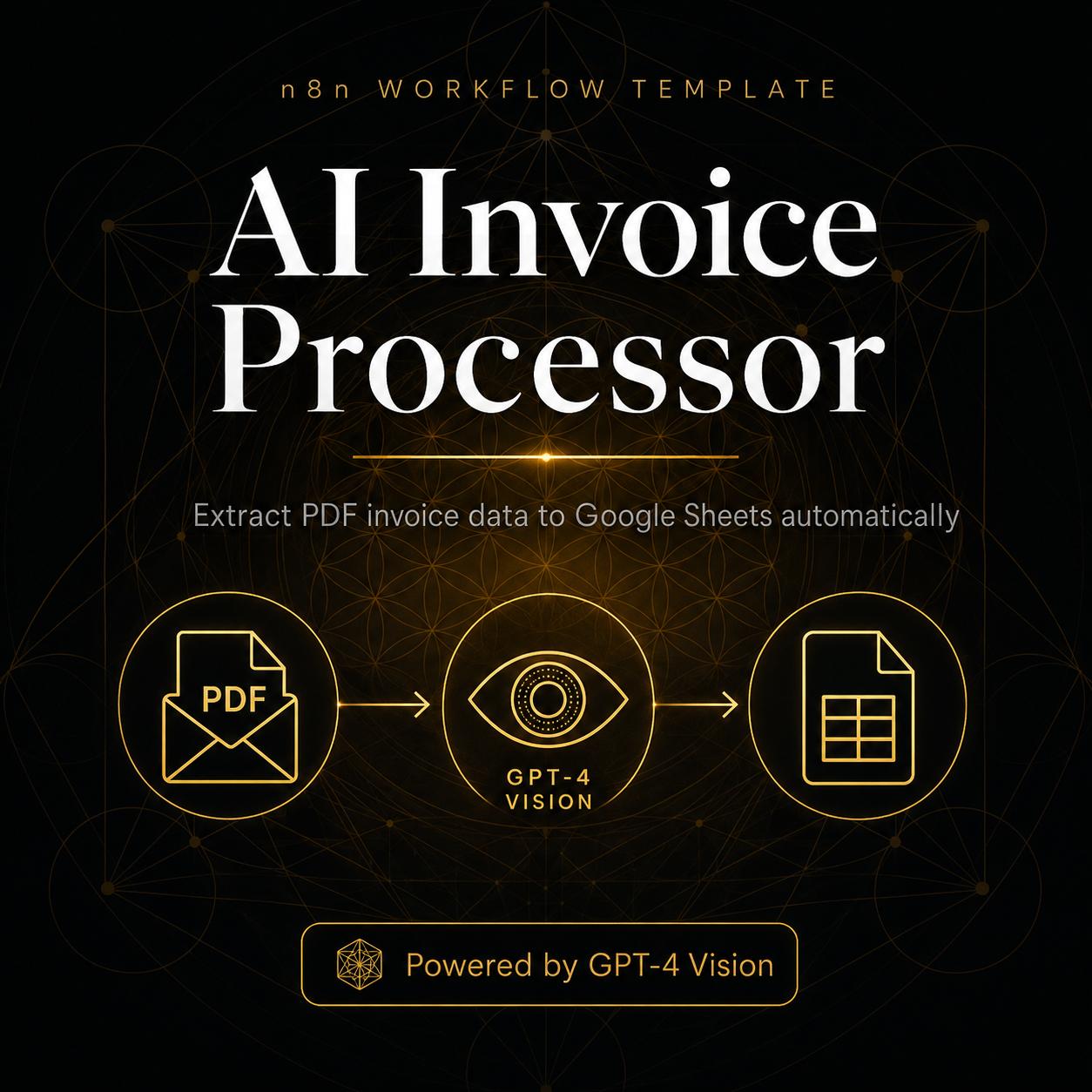
The AI Invoice Processor n8n template eliminates it entirely. Every hour, the workflow checks your Gmail inbox for emails containing invoices or receipts. When it finds one with a PDF attachment, it sends the PDF to GPT-4 Vision — which reads the document and extracts every key field: vendor name, invoice number, invoice date, due date, currency, subtotal, tax, total, line items, and payment terms. All data is appended as a clean row in your Google Sheets invoice log, and a formatted summary is posted to your `#finance` Slack channel so nothing gets missed or paid late.
What's included:
- Ready-to-import workflow.json for n8n (cloud or self-hosted)
- Full step-by-step README with Google Sheets column structure
- GPT-4 Vision PDF data extraction (handles scanned and image-based invoices)
- Gmail search filter (customisable by sender, subject, or label)
- Google Sheets invoice log with 17 auto-populated fields
Perfect for: Small business owners, finance teams, bookkeepers, freelancers, and agencies managing multiple vendor invoices monthly.
- ✅ Intended for one project per purchase (see Terms)
- ✅ Files delivered via your Customer Portal after payment
- ❌ Do not redistribute, resell, or share the template package
- 🔄 Need another deployment? Purchase an additional copy at the same price
One-time · Instant download · Lifetime updates
🇺🇸 US tax · 🇦🇺 AU GST · 🇩🇪 EU VAT — handled at checkout
Payment methods
🔒 Secured by Paddle
Frequently Asked Questions
What is included with "AI Invoice Processor — Gmail PDF Extraction → Google Sheets + Slack — n8n Workflow Template"?+
You receive the full template package (workflow or bot files), documentation, and access to updates for that product. Downloads are available from your Customer Portal at /dashboard after checkout.
How do I download the template after purchase?+
After payment via Paddle, your download link appears instantly in your Customer Portal at /dashboard. You also receive an email confirmation.
Can I use this template on multiple projects?+
Usage is for one deployment context per purchase as described in our terms. If you need a separate production use case, purchase an additional copy at the same price.
What payment methods are accepted?+
Visa, Mastercard, Apple Pay, Google Pay, and PayPal. Checkout via Paddle which handles US tax, EU VAT, and AU GST automatically.
Is there a refund policy?+
Yes. You may request a refund within 14 days of purchase via Paddle (paddle.net). Payments are processed by Paddle as Merchant of Record. See our Refund Policy at /refunds for details.