 n8n
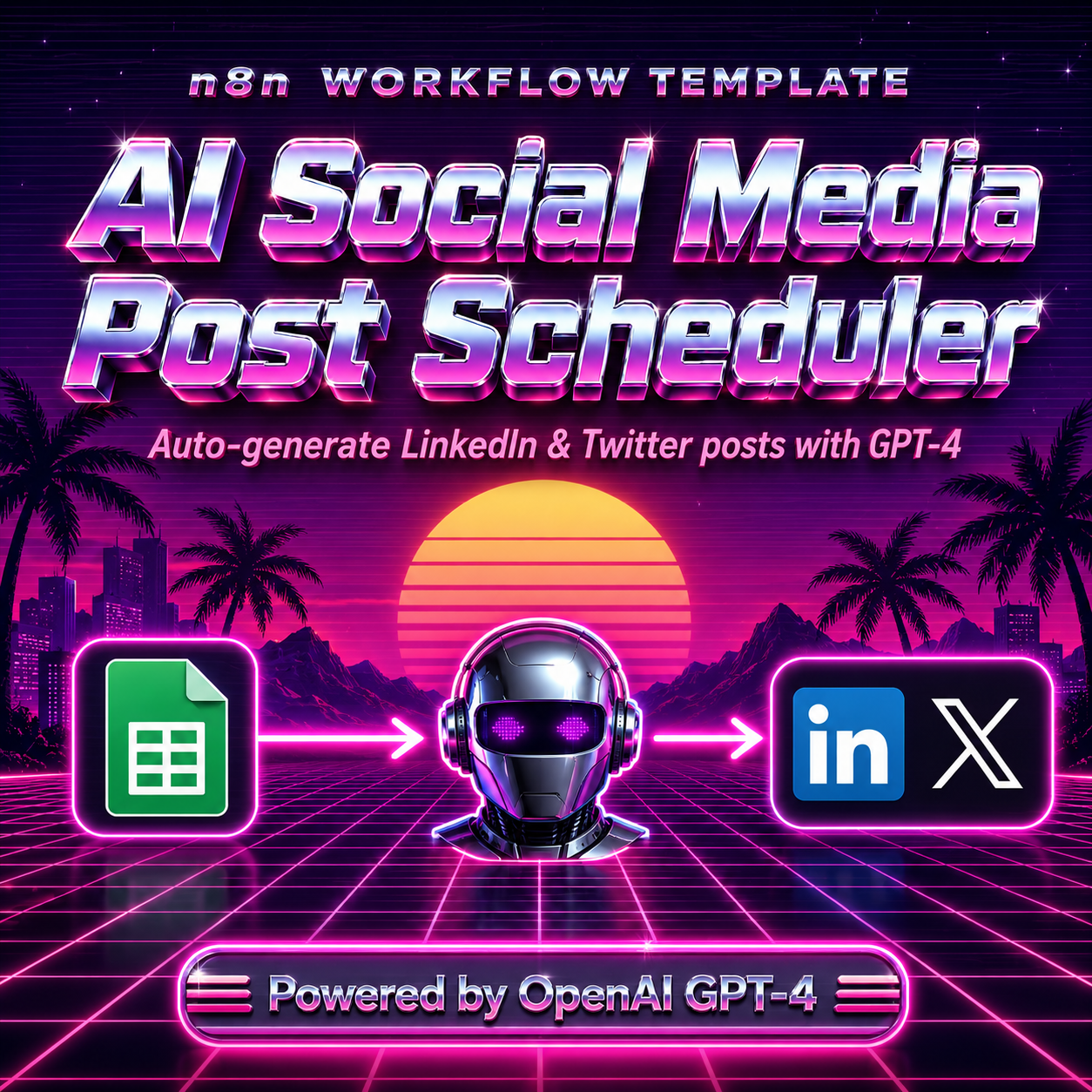
n8nAI Social Media Post Scheduler — LinkedIn & Twitter/X — n8n Workflow Template
n8n Automation Template · Instant download · USD$50
You know you need to post on LinkedIn consistently. You just never have the time to write.
The AI Social Media Scheduler n8n template turns your content ideas into ready-to-publish LinkedIn and Twitter/X posts — three times a week, automatically. Add topics to a Google Sheet, set the tone and keywords, and the workflow does the rest. GPT-4 writes a 150–250 word LinkedIn post with a hook, bullets, and CTA, plus a punchy 280-character Twitter/X version, then updates your sheet and sends the posts to your Slack `#content-team` channel for review or direct publishing.
What's included:
- Ready-to-import workflow.json for n8n (cloud or self-hosted)
- Full step-by-step README with Google Sheets template structure
- GPT-4 content generation for LinkedIn + Twitter/X simultaneously
- Customisable schedule (cron-based)
- Slack notification to content team with generated posts
- Google Sheets content queue integration
Perfect for: Founders, freelancers, marketing teams, and agencies who want consistent LinkedIn and Twitter presence without writing every post manually.
Primary Keywords:
- ai social media scheduler n8n
- linkedin post automation n8n template
- n8n gpt-4 social media workflow
- automate linkedin posts with ai
- ✅ Intended for one project per purchase (see Terms)
- ✅ Files delivered via your Customer Portal after payment
- ❌ Do not redistribute, resell, or share the template package
- 🔄 Need another deployment? Purchase an additional copy at the same price
One-time · Instant download · Lifetime updates
🇺🇸 US tax · 🇦🇺 AU GST · 🇩🇪 EU VAT — handled at checkout
Payment methods
🔒 Secured by Paddle
Frequently Asked Questions
What is included with "AI Social Media Post Scheduler — LinkedIn & Twitter/X — n8n Workflow Template"?+
You receive the full template package (workflow or bot files), documentation, and access to updates for that product. Downloads are available from your Customer Portal at /dashboard after checkout.
How do I download the template after purchase?+
After payment via Paddle, your download link appears instantly in your Customer Portal at /dashboard. You also receive an email confirmation.
Can I use this template on multiple projects?+
Usage is for one deployment context per purchase as described in our terms. If you need a separate production use case, purchase an additional copy at the same price.
What payment methods are accepted?+
Visa, Mastercard, Apple Pay, Google Pay, and PayPal. Checkout via Paddle which handles US tax, EU VAT, and AU GST automatically.
Is there a refund policy?+
Yes. You may request a refund within 14 days of purchase via Paddle (paddle.net). Payments are processed by Paddle as Merchant of Record. See our Refund Policy at /refunds for details.