 n8n
n8nExpense Anomaly Auditor with Slack Approval — AI Automation
n8n Automation Template · Instant download · USD$39
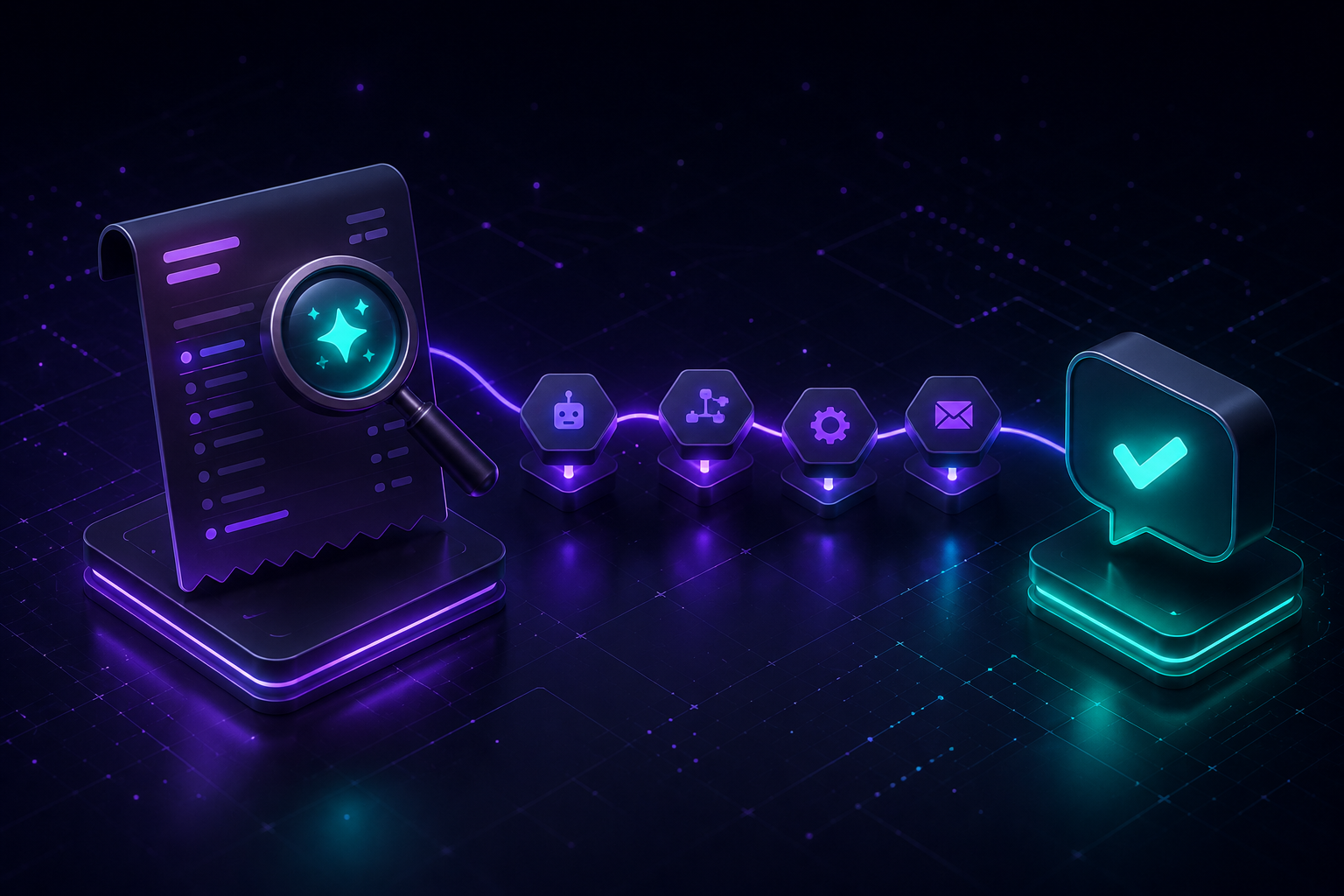
Stop manually scanning expense reports line by line. This n8n workflow runs every morning, reads your transactions sheet, and automatically flags anything that needs a human's eyes — so you only review what actually matters.
How it works:
1. Runs daily on a schedule (default 7am, fully adjustable)
2. Pulls unreviewed rows from your Google Sheets expense tracker
3. Flags transactions that: exceed your custom dollar threshold, are missing a category, or look like a possible duplicate charge (same vendor + amount within 3 days)
4. Flagged expenses get posted straight to a Slack channel with the reason clearly stated, so managers can approve or reject in seconds
5. Clean transactions are automatically marked "reviewed" — no bottleneck for the 90% of expenses that are totally fine
Ideal for finance teams, bookkeepers, startup founders, and agencies who want fraud/error protection without hiring extra reviewers or building a custom finance tool.
What's included:
- Ready-to-import n8n JSON workflow
- Configurable anomaly threshold (default $500)
- Duplicate-detection logic (3-day window, adjustable)
- Slack approval integration
- Google Sheets read/write logic pre-built
- Setup guide included
Requires: Google Sheets, Slack workspace. No coding needed — connect your credentials, set your threshold, and activate.
- ✅ Intended for one project per purchase (see Terms)
- ✅ Files delivered via your Customer Portal after payment
- ❌ Do not redistribute, resell, or share the template package
- 🔄 Need another deployment? Purchase an additional copy at the same price
One-time · Instant download · Lifetime updates
🇺🇸 US tax · 🇦🇺 AU GST · 🇩🇪 EU VAT — handled at checkout
Payment methods
🔒 Secured by Paddle
Frequently Asked Questions
What is included with "Expense Anomaly Auditor with Slack Approval — AI Automation"?+
You receive the full template package (workflow or bot files), documentation, and access to updates for that product. Downloads are available from your Customer Portal at /dashboard after checkout.
How do I download the template after purchase?+
After payment via Paddle, your download link appears instantly in your Customer Portal at /dashboard. You also receive an email confirmation.
Can I use this template on multiple projects?+
Usage is for one deployment context per purchase as described in our terms. If you need a separate production use case, purchase an additional copy at the same price.
What payment methods are accepted?+
Visa, Mastercard, Apple Pay, Google Pay, and PayPal. Checkout via Paddle which handles US tax, EU VAT, and AU GST automatically.
Is there a refund policy?+
Yes. You may request a refund within 14 days of purchase via Paddle (paddle.net). Payments are processed by Paddle as Merchant of Record. See our Refund Policy at /refunds for details.