 UiPath
Web Data Scraper to Excel Report — UiPath RPA Bot
UiPath Automation Template · Instant download · USD$45
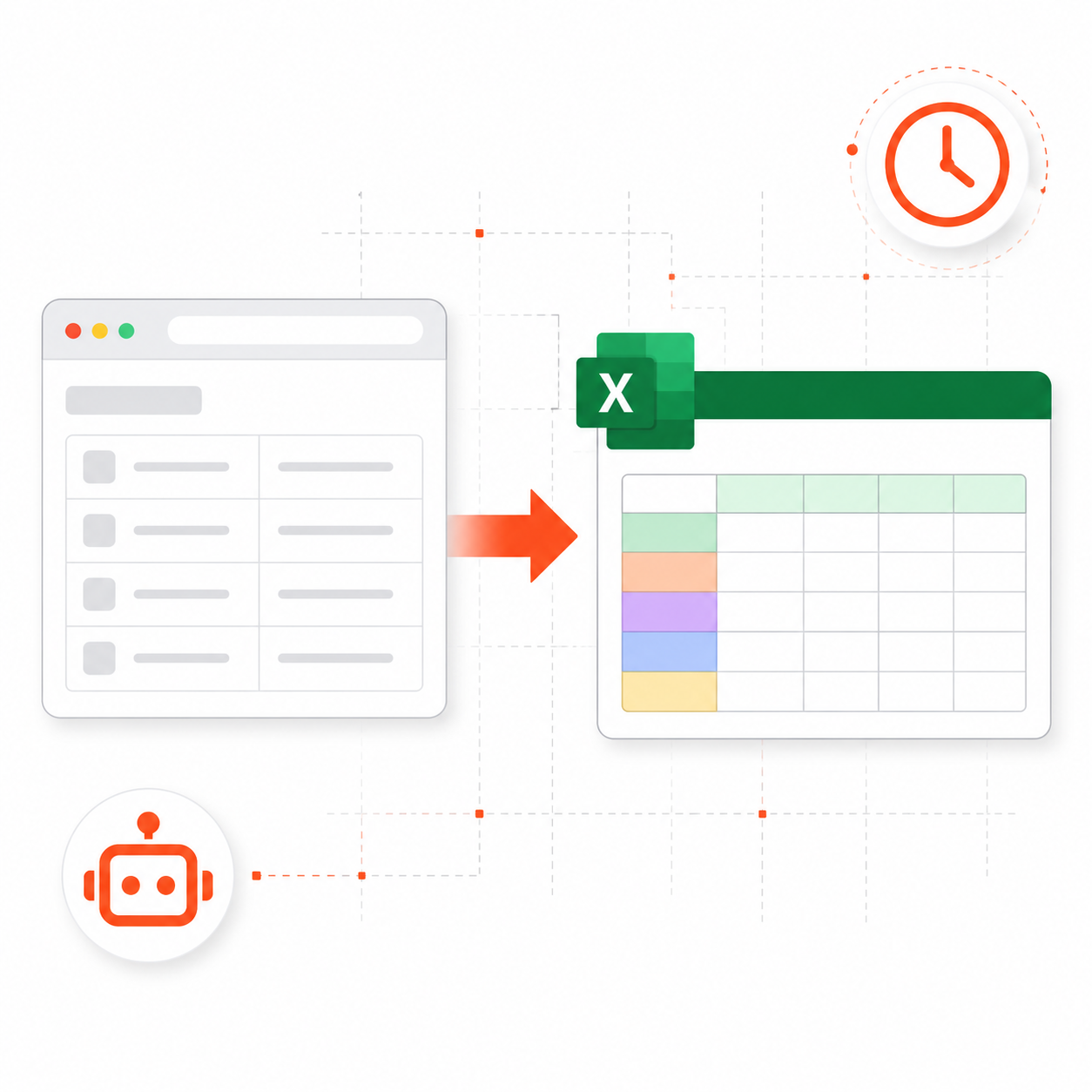
Stop copying data from websites manually into spreadsheets. This UiPath RPA bot extracts structured data from any website and delivers a clean Excel report in minutes.
Configure your target URL, run the bot, and get a fully formatted Excel file with all scraped rows, column headers, timestamps, and source URLs — ready for analysis or sharing.
✅ What's included:
- UiPath project files (Main.xaml + project.json)
- Step-by-step installation guide with Data Scraping Wizard walkthrough
- Compatible with UiPath Studio Community Edition (free)
- Supports pagination (follows Next Page automatically)
✅ What it automates:
- Opens Chrome and navigates to target URL
- Extracts all structured table/listing data
- Handles multi-page pagination automatically
- Cleans data and adds metadata columns
- Saves timestamped Excel report to local folder
🔧 Requirements: Windows 10/11, UiPath Studio 2022.10+ (free), Google Chrome, Microsoft Excel
Common use cases: competitor pricing, job listings, real estate data, product catalogues, news headlines, sports fixtures.
- ✅ Intended for one project per purchase (see Terms)
- ✅ Files delivered via your Customer Portal after payment
- ❌ Do not redistribute, resell, or share the template package
- 🔄 Need another deployment? Purchase an additional copy at the same price
One-time · Instant download · Lifetime updates
🇺🇸 US tax · 🇦🇺 AU GST · 🇩🇪 EU VAT — handled at checkout
Payment methods
🔒 Secured by Paddle
Frequently Asked Questions
What is included with "Web Data Scraper to Excel Report — UiPath RPA Bot"?+
You receive the full template package (workflow or bot files), documentation, and access to updates for that product. Downloads are available from your Customer Portal at /dashboard after checkout.
How do I download the template after purchase?+
After payment via Paddle, your download link appears instantly in your Customer Portal at /dashboard. You also receive an email confirmation.
Can I use this template on multiple projects?+
Usage is for one deployment context per purchase as described in our terms. If you need a separate production use case, purchase an additional copy at the same price.
What payment methods are accepted?+
Visa, Mastercard, Apple Pay, Google Pay, and PayPal. Checkout via Paddle which handles US tax, EU VAT, and AU GST automatically.
Is there a refund policy?+
Yes. You may request a refund within 14 days of purchase via Paddle (paddle.net). Payments are processed by Paddle as Merchant of Record. See our Refund Policy at /refunds for details.