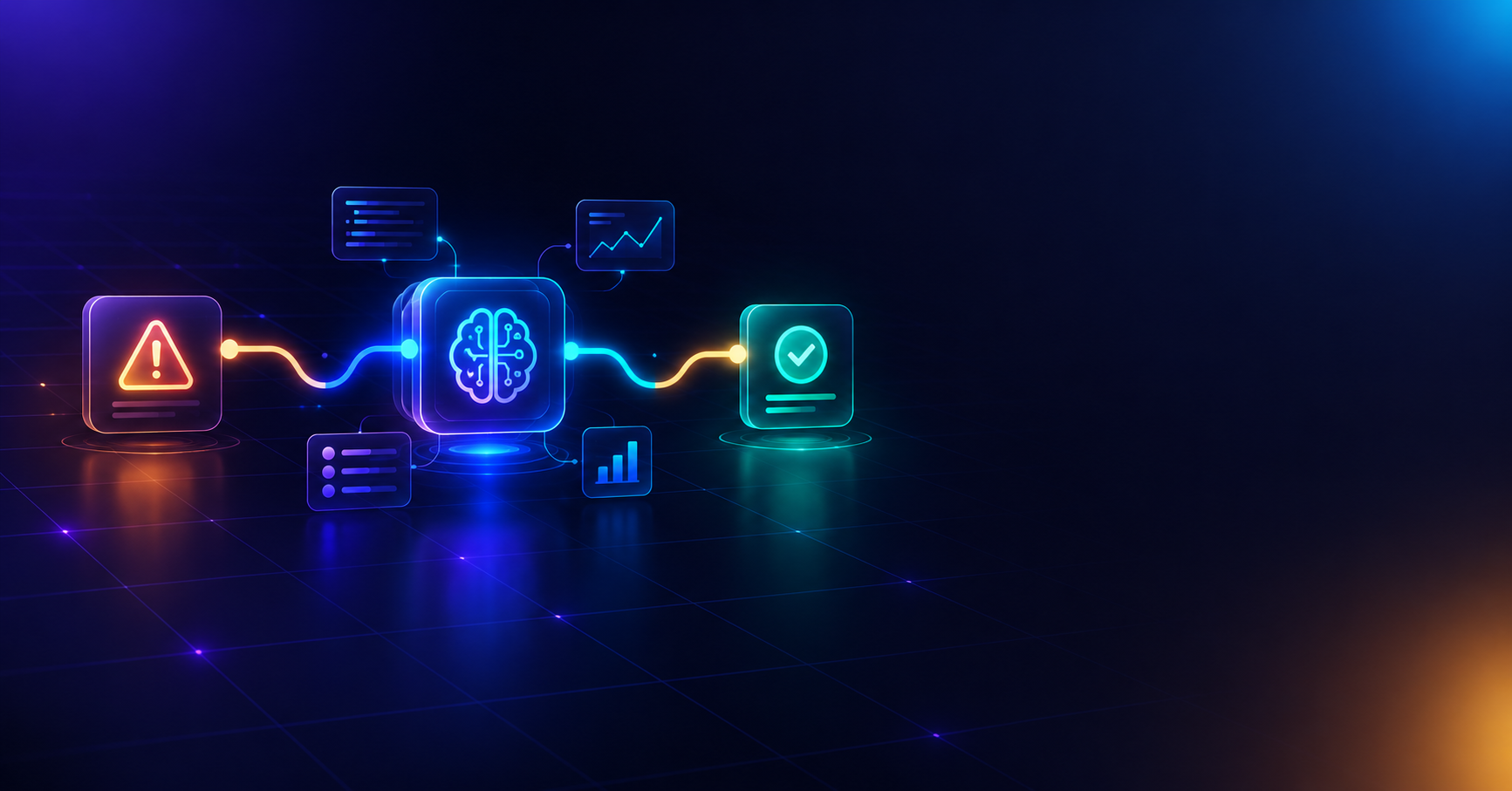
The 2am Alert Problem Every Dev Team Knows
Your app throws an error. Sentry fires. Someone on your team gets pulled away from what they were doing to figure out: Is this new? Have we seen this before? Is it critical? Who fixes it?
That triage process — the 15–20 minutes before anyone even starts writing a fix — is one of the most repeated, most expensive, and most automatable parts of modern software operations. And most teams are still doing it manually.
In 2026, AI-powered automation platforms like n8n combined with large language models (like Claude) and vector databases are making it possible to fully automate error triage — not just alerting, but actual classification, root-cause analysis, and fix suggestion.
This article breaks down how AI error monitoring automation works, why it matters for DevOps and SRE teams, and how you can deploy a production-ready version today.
What Is AI-Powered Error Triage Automation?
AI error triage automation is a workflow that:
- Detects an error the moment it happens (via Sentry, Datadog, or raw logs)
- Checks historical context — has this exact error, or something similar, happened before?
- Classifies severity using an AI model trained to reason like a senior engineer
- Proposes a fix with real code-level suggestions, not just a generic alert
- Routes the outcome — either opening a pull request for human review, or creating a ticket with the suggested fix attached
This is fundamentally different from traditional monitoring tools, which only tell you that something broke. AI-powered triage tells you what broke, whether it's known, and what to do about it — automatically.
Why RAG (Retrieval-Augmented Generation) Matters Here
A key piece of a serious AI automation workflow is RAG — retrieval-augmented generation. Instead of asking an AI model to guess at a fix from scratch, the workflow first searches a vector database of your team's past incidents. If a similar error was resolved before, that context gets fed into the AI's prompt.
This matters because it turns your team's tribal knowledge — the stuff usually buried in old Slack threads or a departed engineer's memory — into a searchable, reusable asset that gets smarter every time an incident is resolved.
Why This Beats a Simple Slack Alert Workflow
Basic automation templates connect two apps: an error triggers a Slack message. That's useful, but it doesn't reduce the actual engineering work — someone still has to read the error, decide what it means, and write the fix.
A true AI triage pipeline goes further:
- Confidence-gated automation — the AI only proposes a fix when it's genuinely confident; otherwise it defers to a human via a ticket
- Draft PRs, never auto-merge — safety-first design means AI can accelerate the fix, but a human always approves before anything reaches production
- Self-improving over time — every resolved incident becomes training context for the next similar error
- Full audit trail — every decision the AI makes is logged, which matters for compliance-conscious teams
Who Should Use This Kind of Workflow
- DevOps and SRE teams drowning in repetitive incident response
- Engineering leads trying to reduce mean-time-to-resolution (MTTR) without hiring more headcount
- Agencies managing error monitoring across multiple client codebases
- Startups that want enterprise-grade incident response without an enterprise-grade budget
How to Get Started
Building this from scratch requires stitching together a webhook listener, signature verification, a vector database integration, prompt engineering for structured AI output, GitHub API automation, and a safety gate — the kind of project that takes an experienced automation engineer real time to get right.
If you'd rather deploy it today, our AI Error Triage & Auto-Fix Pipeline template gives you the full production-ready n8n workflow: Sentry webhook security, RAG-based incident matching, AI-powered classification, GitHub draft PR automation, Jira fallback, and a complete audit log — all pre-built and documented.
[View the AI Error Triage & Auto-Fix Pipeline template →]
Frequently Asked Questions
Does this replace my existing error monitoring tool (Sentry, Datadog)? No — it works alongside your existing monitoring tool. The workflow listens to your monitoring tool's webhook and adds an AI decision-making layer on top of the alerts you're already receiving.
Will the AI automatically deploy code to production? No. The safest and most reliable setup — the one used in this template — only ever opens a draft pull request for high-confidence fixes. A human always reviews and merges. The AI never has deploy access.
What's the difference between this and a basic Zapier/Make alert automation? Basic alert automations move data from one app to another. This workflow adds real reasoning: it checks historical context via a vector database, classifies severity, and generates an actual proposed fix — closer to an AI teammate than a notification bot.
Do I need to know how to code to use this? No coding is required to import and configure the template. You will need API keys for the services involved (Sentry, GitHub, your AI provider, etc.), all of which are covered in the included setup guide.
Final Thoughts
Error triage is one of the clearest places where AI automation delivers real, measurable time savings — not hype, but hours given back to your engineering team every week. As tools like n8n make it easier to orchestrate AI models, vector databases, and developer platforms together, workflows like this are quickly becoming standard practice for teams serious about reducing operational overhead.
If your team is still triaging errors manually in 2026, it might be time to let AI handle the first pass.
[Browse more AI automation templates in our store →]